That Little Microphone in Your Kitchen Has a Memory — Time to See What It's Been Writing Down
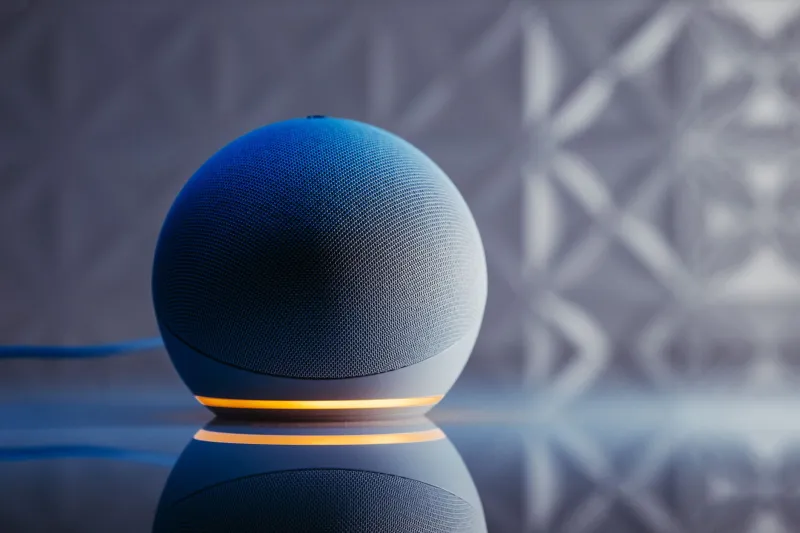
Somewhere between "set a timer for the pasta" and "play Garth Brooks," your smart speaker has been quietly filing away every snippet of audio it caught in your home. Some of those files are still sitting on a server right now, tagged with your account, your voice, and possibly your kid yelling about Fortnite in the background.
The good news: you don't have to unplug the thing and go back to 2009. You can keep the timers, the music, and the weather reports while cutting way down on what gets stored and who gets to hear it. Here's the 20-minute fix.
First, Look at What It Actually Recorded
Most people have never once checked their voice history, and that's the problem. It's not abstract — it's a searchable list of real audio clips.
Alexa (Amazon): Open the Alexa app, tap Settings > Alexa Privacy > Review Voice History. You'll see every request by date, and you can play the actual recordings. Brace yourself — some clips started before the wake word, which means ambient conversations got caught too.
Google Home/Nest: Head to myactivity.google.com, filter by Assistant, and hit play on any entry. Same deal: full audio, timestamps and all.
Siri (Apple): Go to Settings > Siri & Search > Siri & Dictation History on your iPhone. Apple lets you delete it all in one tap, which is refreshingly blunt.
When you see a few years of clips stacked up, the "is this thing listening?" question stops feeling paranoid and starts feeling answered.
Delete It — Then Set It So It Doesn't Pile Up Again
Deleting one clip at a time is a losing game, so use the bulk options:
- Alexa: In Voice History, use "All History" to wipe everything, then toggle on Enable Deletion by Voice so you can just say "Alexa, delete everything I said today."
- Google: In My Activity, choose Delete activity by > All time, then set Auto-delete to wipe anything older than 3 or 18 months automatically.
- Apple: Delete the full Siri history from the settings page above.
Set the auto-delete once and you never have to think about it again. That's the whole trick — fix it at the source instead of firefighting.
Tell the Robots to Stop Letting Humans Listen
Here's the part that surprises people the most: until recently, snippets of your recordings could be routed to actual human contractors at Amazon and Google for quality review. A stranger with headphones, listening to you argue about the thermostat.
Both companies now let you opt out:
- Amazon: Settings > Alexa Privacy > Manage How Your Data Improves Alexa > turn off "Help Improve Amazon Services and Develop New Features." While you're there, you can also tell Amazon to stop storing recordings entirely — Alexa will process audio on the fly instead.
- Google: Go to your Google Account > Data & Privacy > Web & App Activity and make sure "Include audio recordings" is unchecked.
- Apple: On by default, Apple requires opt-in for sharing Siri audio, so you're likely fine — but verify under Siri & Search > Analytics & Improvements.
This is the single most important toggle in the whole article. Flip it first.
Mute Smart, Not Always
Yes, there's a physical mic button on every speaker, and yes, you should know where it is. But muting it permanently defeats the purpose of owning one — nobody wants to walk to the kitchen to press a button like it's a light switch from 1950.
A better play: mute strategically. Kill the mic during dinner parties, sensitive phone calls, or when you're discussing anything you wouldn't want misheard. Some speakers also have a camera shutter (Nest Hub Max, Echo Show) — slide it closed if the screen is facing your living room.
Also worth doing: check whether the mic is accidentally muted when the speaker "stops responding," which fixes half the "my Echo is broken" complaints before they start.
Lock Down Voice Purchases Before Your Toddler Goes Shopping
Voice buying is genuinely convenient — right up until a 6-year-old orders a $130 Lego set with a two-word command. (This happens constantly. Ask any parent.)
- Alexa: Settings > Account Settings > Voice Purchasing. Turn purchasing off entirely, or require a spoken PIN for every purchase. Also disable "For Me" purchases so household members can't buy on your card.
- Google: In the Google Home app, check Payments under Assistant settings and require authentication.
Same logic applies to skills and third-party apps — prune anything you don't recognize, because those have their own permissions.
Keep the Good Stuff
None of this means living like a Luddite. Timers, hands-free music while cooking, "add paper towels to the list," controlling the thermostat without leaving the couch — all of that still works perfectly fine after this cleanup. The conveniences you actually use come from voice recognition, not from a stranger in a cubicle reviewing your Tuesday morning argument.
The smart speaker can stay. The eavesdropping? Consider that position eliminated.
One last thing: if you have an Echo or Nest in a bedroom, seriously consider relocating it. That's a conversation for another article, but your future self will thank you.